In short: The ZEN-Writer is a digital typewriter for distraction-free writing: a calm e-paper display, a real keyboard and nothing else. No browser, no inbox, no notifications. Switch it on and you're straight back in your latest text. You build it yourself from a ready-made board (Elecrow CrowPanel 5.79″, about $32) and a Bluetooth keyboard, and install the software with one click in the browser. No soldering, and the software is free. The full guide is at Build your own. A finished device is in the works; there's a waiting list for it.
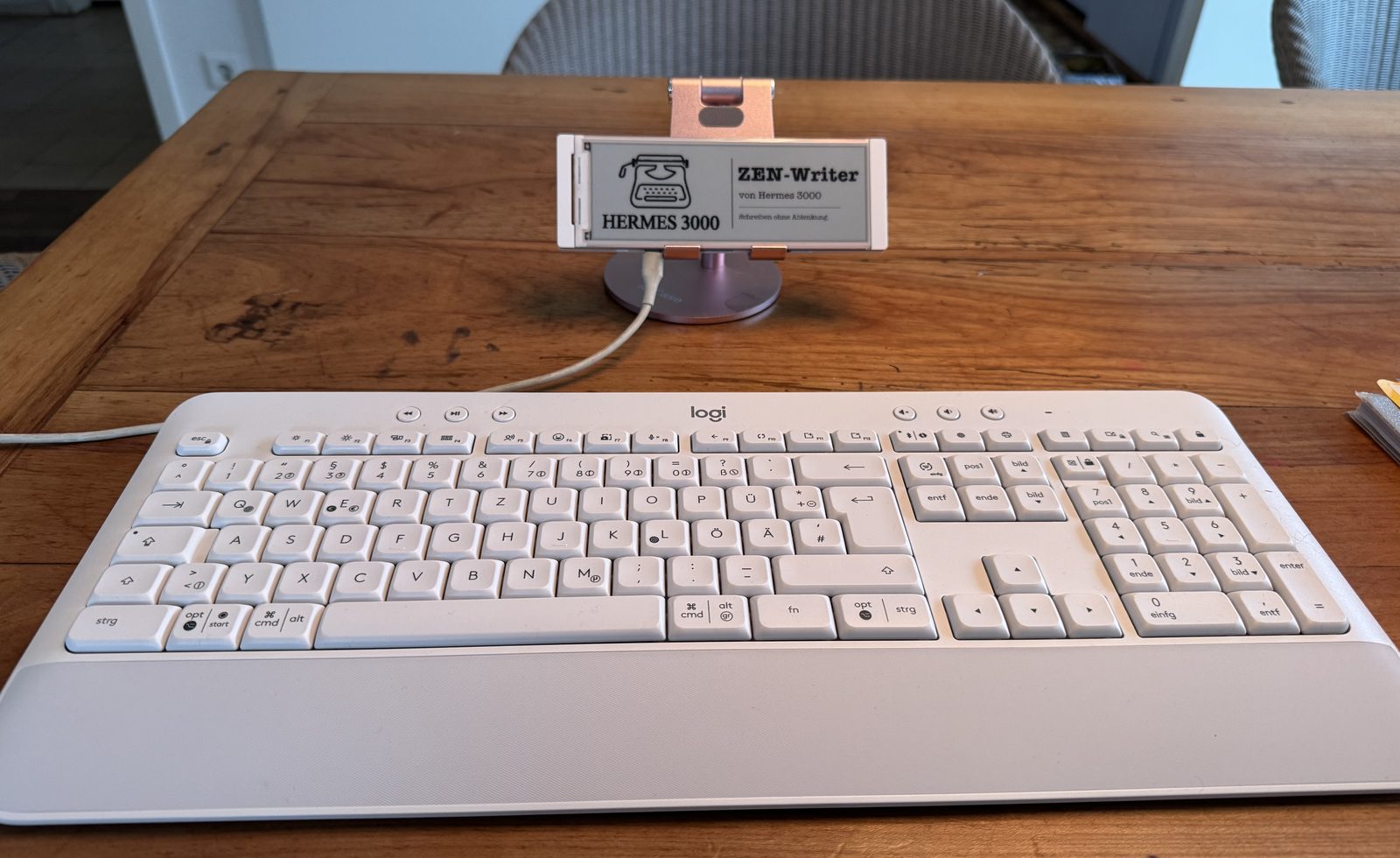
We're named after a typewriter, the Hermes 3000. A typewriter can do exactly one thing, and that's its strength: whoever sits in front of it writes. On a laptop, the next tab is one keystroke away, and something is always blinking. The ZEN-Writer brings back that typewriter feeling without its drawbacks: what you type is saved, searchable and, if you like, available as a Word or PDF file.
Why distraction-free writing
Writing needs one thing above all: staying with the text. Every notification, every quick glance at the inbox pulls you out of the thought, and finding your way back takes longer than the interruption itself. The ZEN-Writer leaves no room for that:
- Only text. No browser, no apps, nothing that blinks. The display shows your text and a slim footer with the word count.
- E-paper instead of a screen. No glow, no flicker. The display looks like printed paper and stays readable even in sunlight.
- Straight into your text. Switch it on and you're where you left off. It saves every few seconds without you having to think about it.
- Typed, not pasted. There's no clipboard. What you write on the ZEN-Writer is typed character by character, and Hermes records it that way. Why a text's provenance matters to us is covered in a separate article.
What else the ZEN-Writer does
- Books and texts. You sort your texts into books. One press of Esc opens the menu; that's all the controls there are.
- Backed up if you want. With Wi-Fi, your texts also land in your free archive on hermes3000.ai, to read and download.
- Continue Hermes books. If you use Hermes 3000, you can continue your books on the ZEN-Writer: the end of the chapter is at the top, the new section is added.
- Updates over Wi-Fi. New features arrive by themselves, no cable needed.
How to build it
You need two parts, both ready to buy:
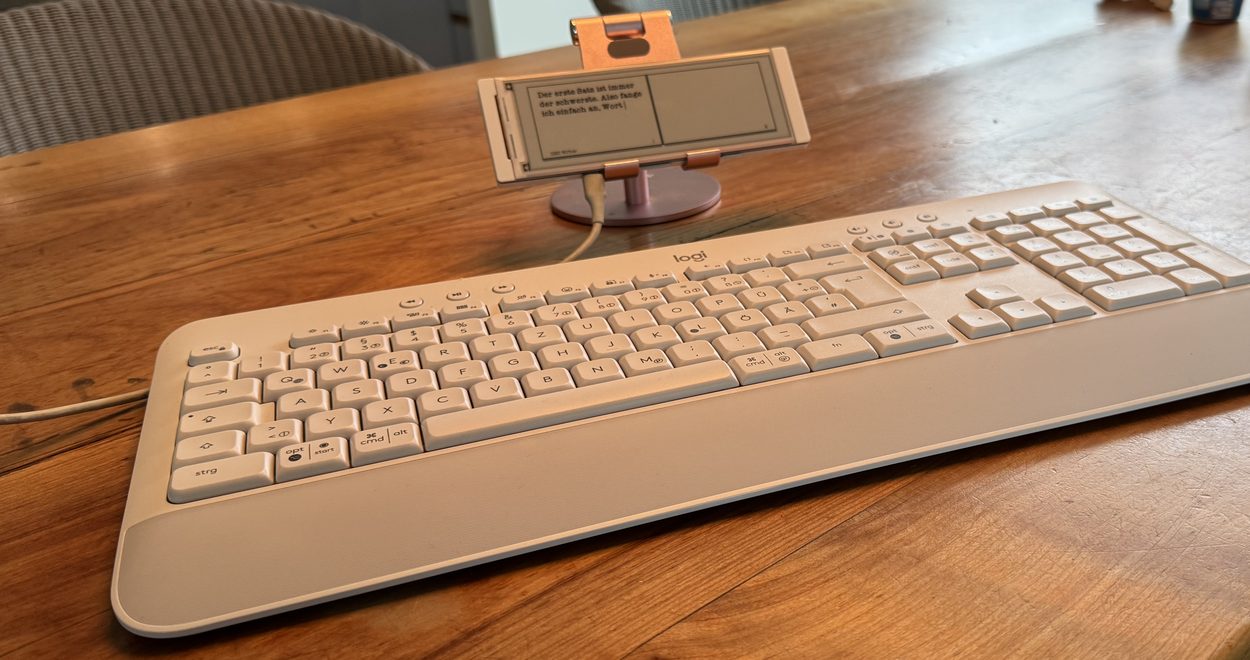
- The board: Elecrow CrowPanel ESP32 5.79″ e-paper, about $32 at Elecrow or about €39 at Berrybase (as of November 2026). It has to be exactly this model.
- A keyboard with Bluetooth Low Energy (BLE). The Logitech Signature K650 from the photos is tested. Careful: many keyboards with "Bluetooth" on the box use classic Bluetooth; those don't work, nor do keyboards with a USB receiver.
Plus a USB-C cable, a USB power supply and something for the board to lean on: in the photos it's a simple phone stand. Then it's four steps:
- Install the software. Plug the board into your computer with USB-C, open the installation page in Chrome or Edge, click "Install software". After three to five minutes the board starts as a ZEN-Writer.
- Pair the keyboard. The ZEN-Writer shows a six-digit code that you type on the keyboard.
- Wi-Fi and archive (optional). Press Esc for the menu, set up Wi-Fi, connect to hermes3000.ai.
- Write.
Everything else, from the battery to keyboard shortcuts, is in the manual.
What it can't do (yet)
To be honest: the board comes without a case. You can plug in a battery, and the board charges it over USB-C, but the ZEN-Writer doesn't show a charge level, and the board has no on/off switch. Installing from the browser only works in Chrome and Edge, not in Safari or Firefox. And the device itself speaks German for now.
Rather have it ready-made?
We're working on a finished ZEN-Writer with case, battery and keyboard: unpack, switch on, start writing. Price and date are not set yet. Join the waiting list and you'll be the first to know.
Frequently asked questions
What is the ZEN-Writer?
A digital typewriter you build yourself: an e-paper board, a Bluetooth keyboard and the free ZEN-Writer software. It writes, saves and backs up, nothing else.
What does distraction-free writing mean?
Writing on a device that can't do anything else: no tabs, no apps, no notifications. Just the text you're working on.
Do I need to solder or program?
No. The board is ready-made, and you install the software with one click in the browser.
What does the ZEN-Writer cost?
The board costs about $32, plus a Bluetooth keyboard. Software, updates and archive are free.
Do I need Wi-Fi or an account?
Not for writing. You only need Wi-Fi and a free account for the archive and updates; an email address is enough.
Is there a ready-made ZEN-Writer?
Not yet. A finished device is in the works; join the waiting list to hear about it first.